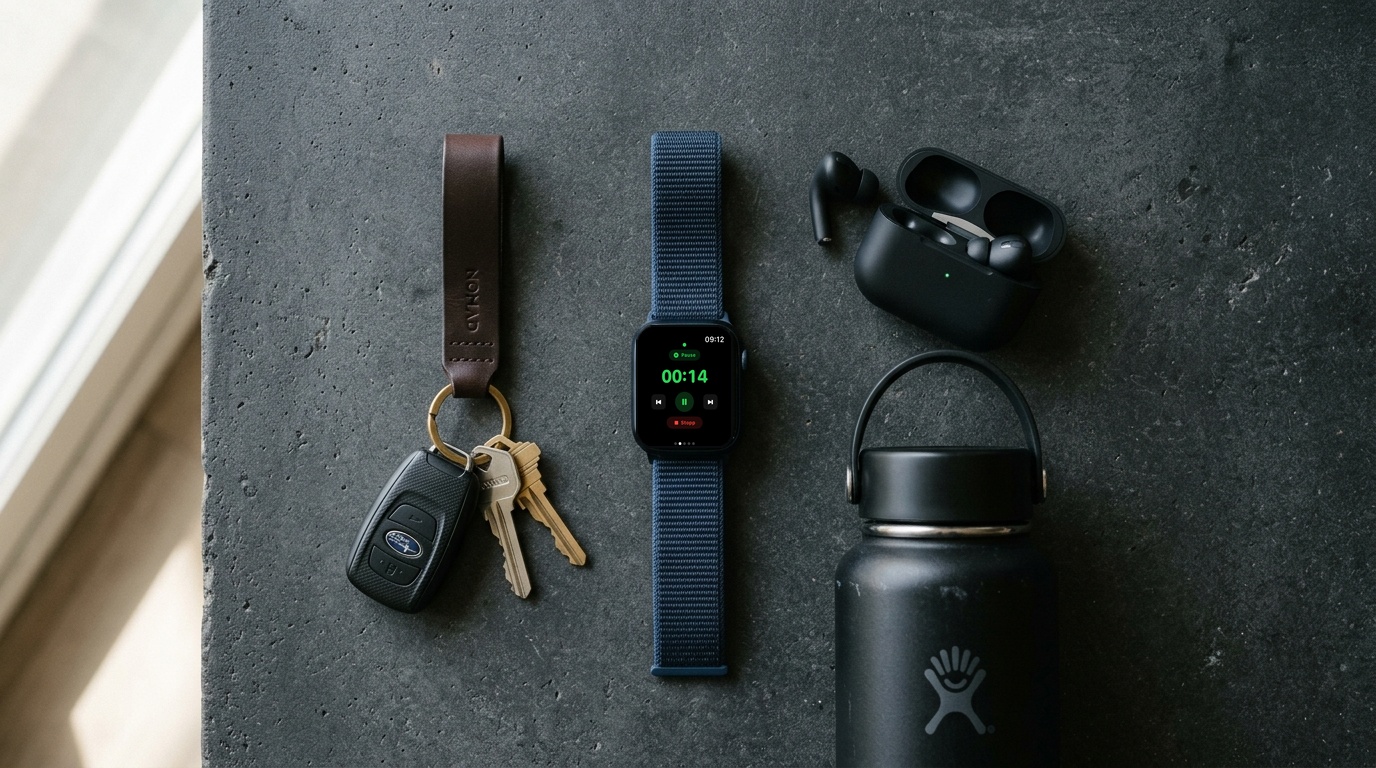
It was around 6:45 on a Tuesday evening. Work had been relentless, dinner with my family was roughly 40 minutes away, and I had exactly 30 minutes to myself. No time to drive to a gym, no patience for commuting. I just wanted to roll out a mat, sweat, and clear my head.
And right then, the familiar friction started.
The 5-app circus before the first push-up
My routine was saved somewhere in Apple Notes. To time the sets, I opened an old interval app I had downloaded years ago. On my Apple Watch, I started a generic workout session to close my rings. And of course, I needed Spotify in the background to get moving.
Five minutes in, here is what my living room looked like:
- My iPhone was precariously propped up against a 20-pound dumbbell on the rug.
- The interval app beeped stubbornly every 45 seconds, but it had no idea what exercise I was actually doing.
- In the middle of round three, heart rate at 160: what came after the kettlebell swings? Was it goblet squats or mountain climbers?
- With sweaty hands, I had to unlock my iPhone, swipe over to Apple Notes, scroll down, pause the timer, and lose my momentum.
When my daughter walked into the room asking, "Dad, can I join? What are we doing next?", my training flow completely stalled. I was standing there holding three open apps on a sweaty phone screen, feeling more stressed than before I started.
The Old Friction: Juggling Apple Notes for exercise lists, a generic interval app for beeps, the Apple Watch workout app for heart rate, and Spotify for audio—all while trying to unlock a phone with sweaty fingers between sets.
Why conventional workout timers miss real life
Most timers on the App Store are still essentially digital stopwatches designed in 2012. They give you a rigid grid of 40 seconds on and 20 seconds off. But they don't guide you. They don't know the names of your exercises, they don't talk to your Apple Watch properly, and they ignore the large screen already sitting in your living room.
As a working parent, I don't have the luxury to spend two hours hanging around a commercial gym, waiting for an open bench, or fiddling with setup routines. Every minute matters. If a workout is 25 minutes long, I want to spend all 25 minutes moving—not staring at tiny buttons.
The goal: One single tap
Out of this exact frustration came the first working prototype of TimerCoach. The guiding principle was straightforward: zero friction.
Today, my workout routine looks like this:
- I place my iPhone by the TV and flick on AirPlay.
- I lift my wrist, tap my scheduled workout on the Apple Watch, and hit start.
- Done.
The entire workout instantly appears on the big television screen in clean, bold typography. My watch monitors heart rate and counts down the intervals. Nobody has to guess what exercise is coming next. My kids can glance at the TV, jump in beside me, and follow along without asking a question.
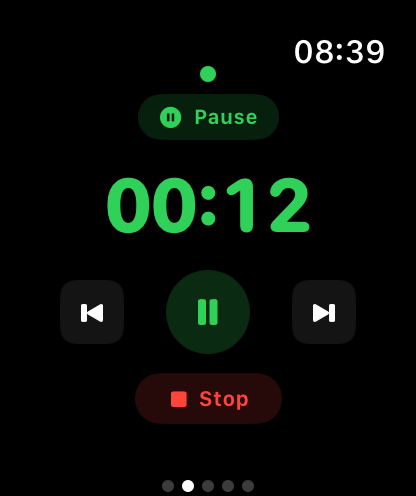 TimerCoach Apple Watch Remote Control
The 1-Tap Reality: One tap on your wrist starts the workout on your Apple Watch, beams the live intervals onto the living room TV via AirPlay, routes crystal-clear voice cues directly to your AirPods, and records your workout directly to Apple Health—zero friction.
Outdoor workouts: Keep your phone in your pocket
The same mindset applies outside. When doing hill sprints or running park circuits in cold or drizzly weather, the last thing anyone wants is to pull out an iPhone with wet hands to check what interval is up next.
TimerCoach uses text-to-speech voice cues that speak directly into your AirPods: "Prepare for walking lunges in three, two, one." You hear the transition chime, you start moving, and your phone never leaves your zipped jacket pocket.
Honest numbers against daily stress
At the end of a busy week, fitness isn't about vanity metrics or social media posturing. It's about knowing whether the daily grind won, or whether you managed to give your body half an hour of focused movement.
That's why TimerCoach keeps its dashboard minimal. I open the app and see in three seconds: How many sessions did I complete this week? Is my streak alive?
No clutter, no juggling five apps, no distractions. Set up, tap start, and get it done.